IMAGE
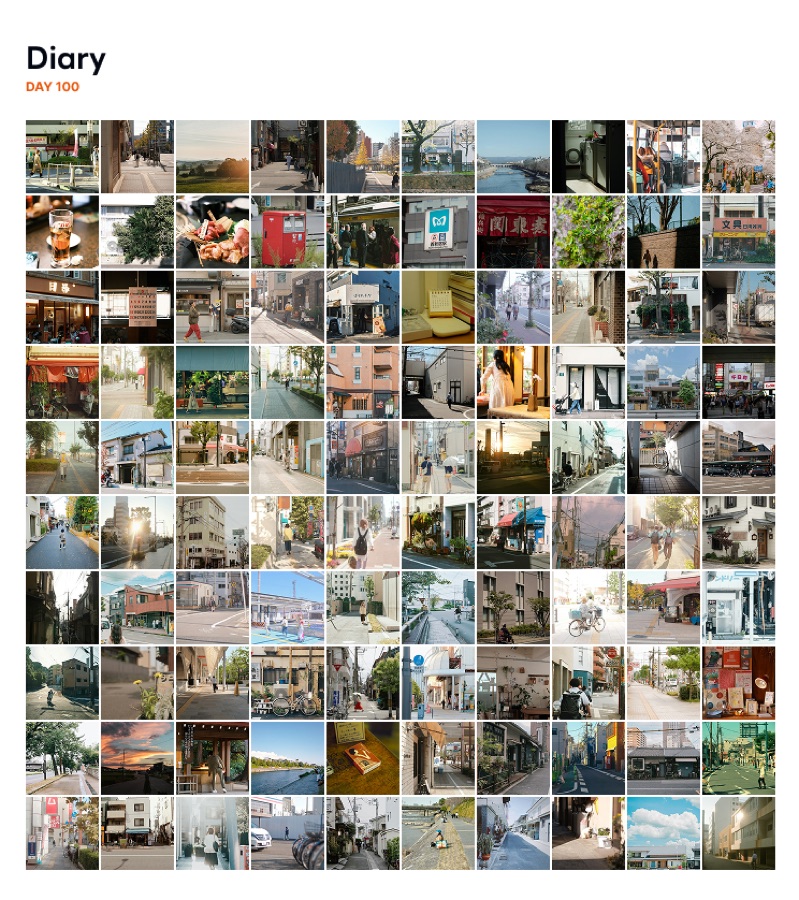
100 days. One image.
Bring your recorded photos together in a single image. See all the little changes at a glance.
DAY100 is a habit app for tracking small daily actions for 100 days.
Choose Normal, Hard, or Extreme Mode, then protect your habits with notifications, widgets, and app blocking.
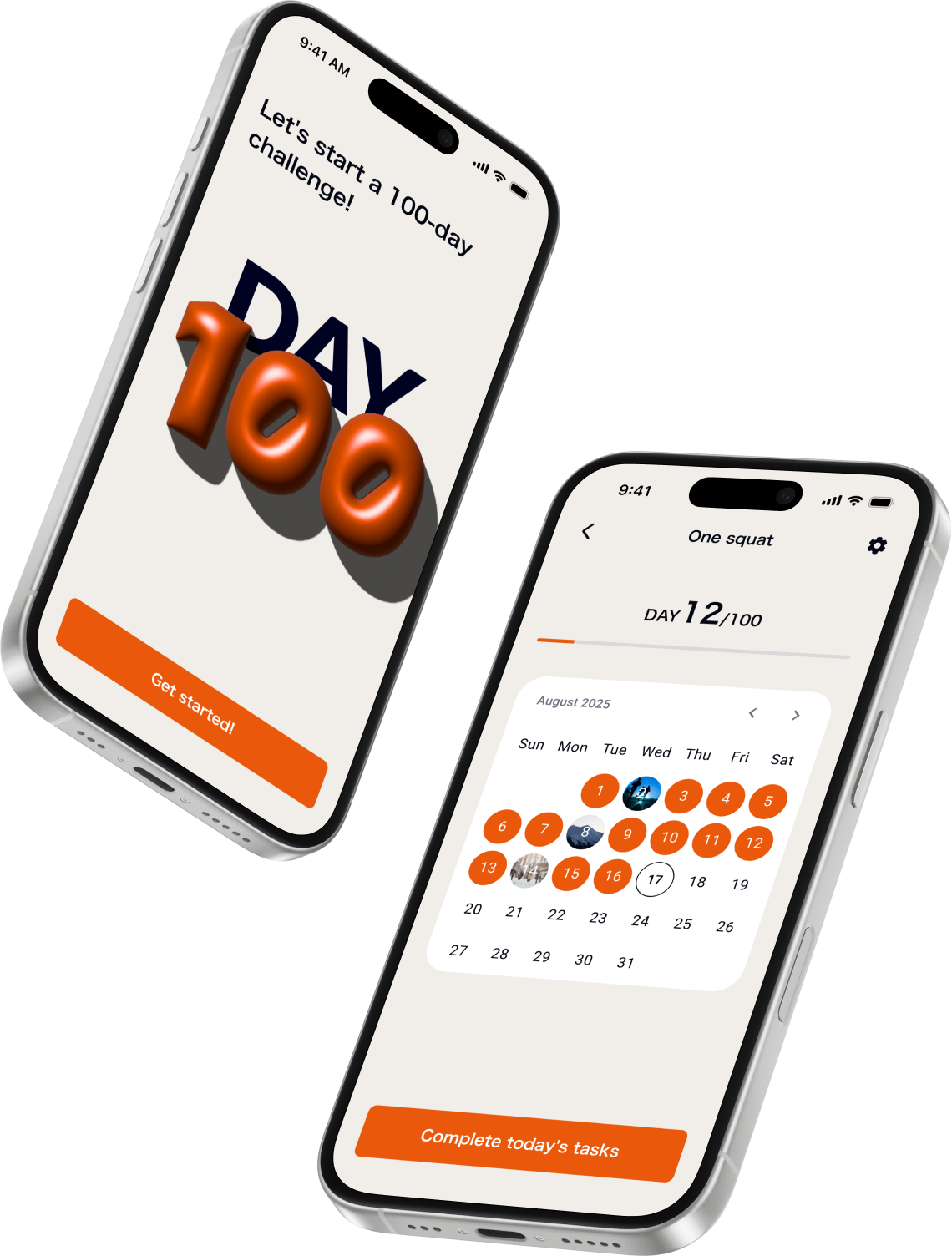
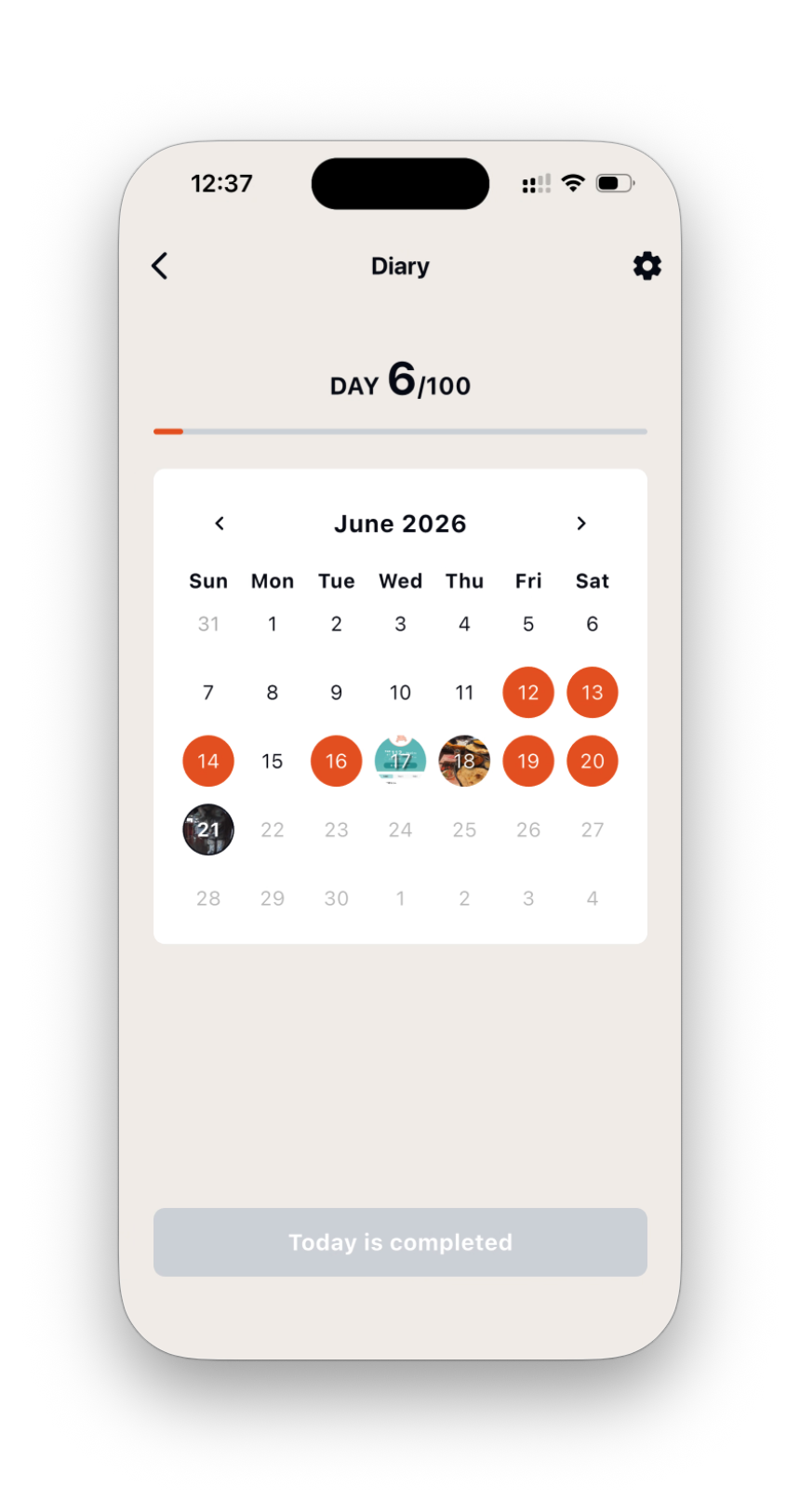
Review your days in Calendar and Timeline. View photos in full screen, save them individually, and edit notes after recording.
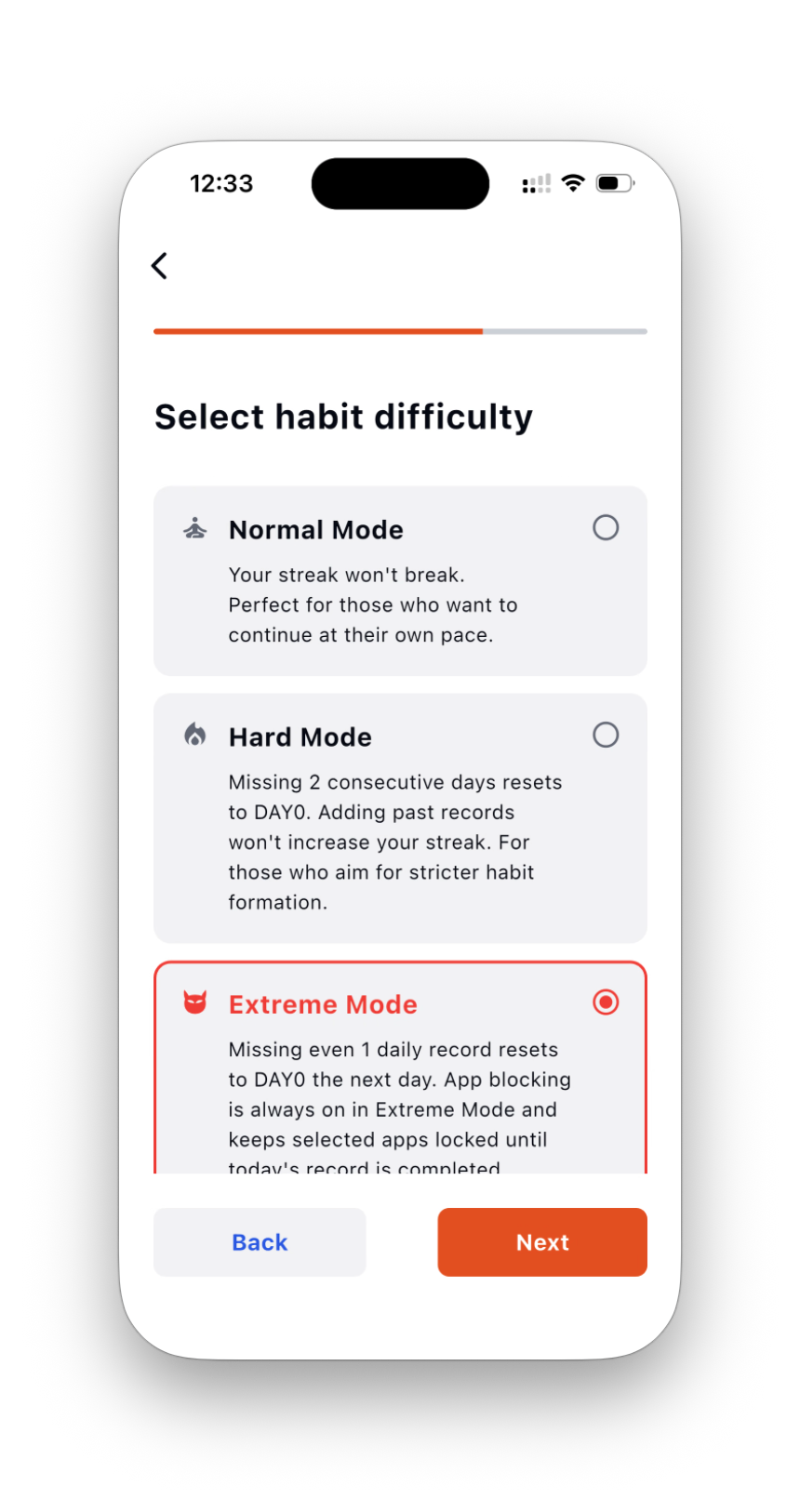
Pick Normal, Hard, or Extreme Mode. Keep it light or make the challenge serious.
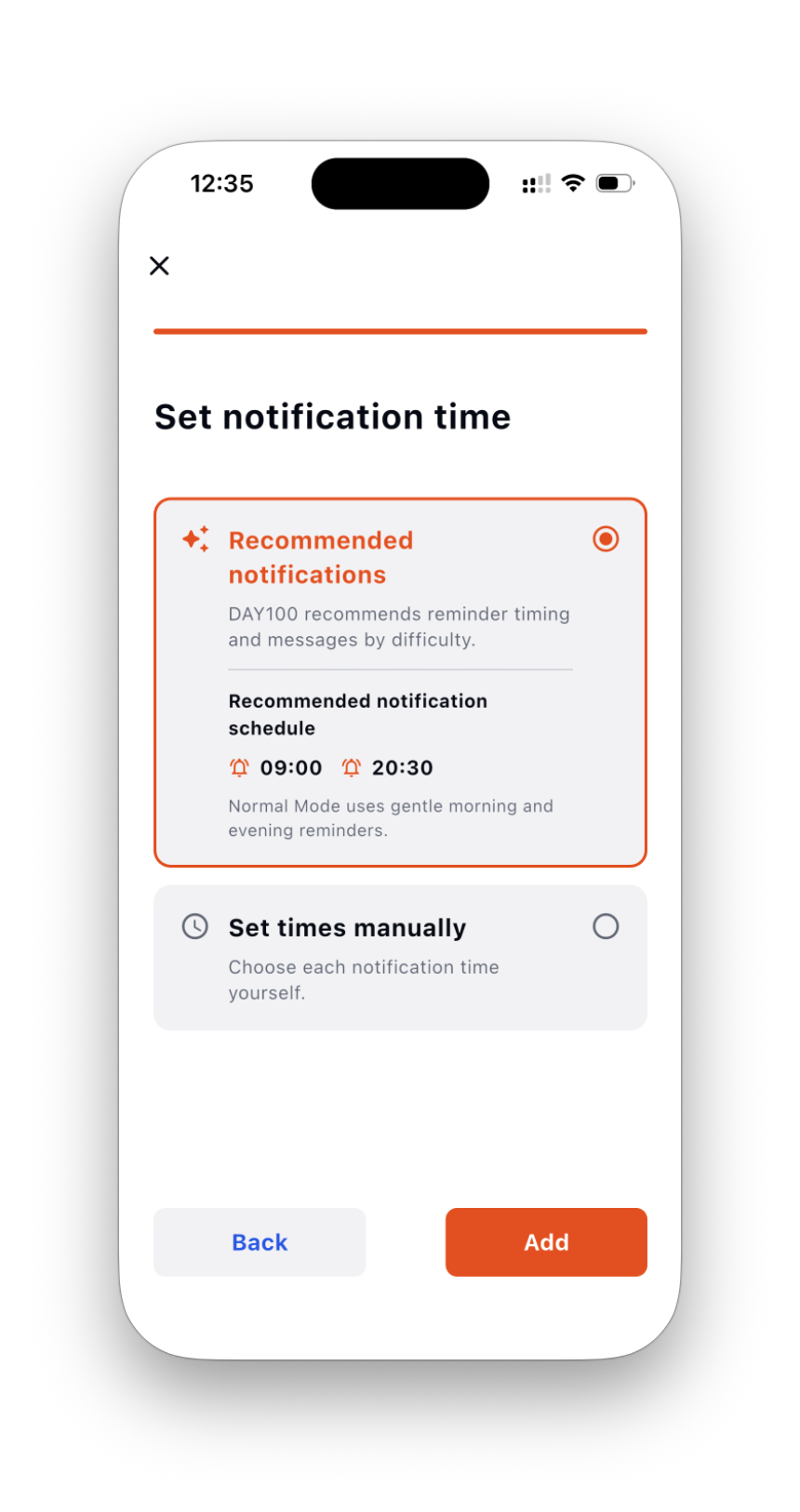
Recommended notifications and home screen widgets support your habit even when the app is closed.
KEEP YOUR DAYS
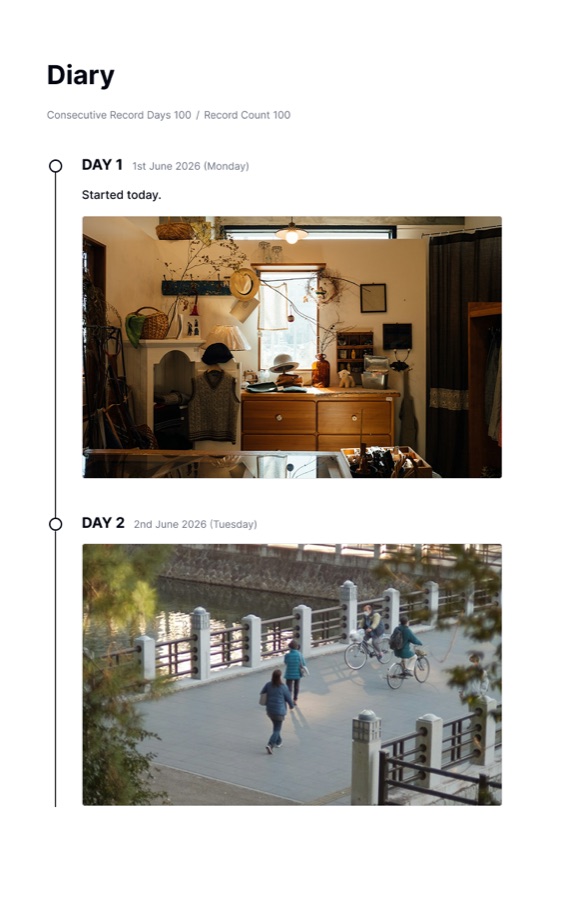
Your daily photos and the thoughts behind them. Save them as an image, video, or PDF to keep for yourself or share with someone.
IMAGE
Bring your recorded photos together in a single image. See all the little changes at a glance.
VIDEO + MUSIC
With 30 days of photo records, create a time-lapse video. Choose from 10 original music tracks, including 2 free tracks. You can also choose the DAY display style and video playback speed.
A PDF record book with dates, notes, and photos. Save it to revisit later, or print a copy to keep.
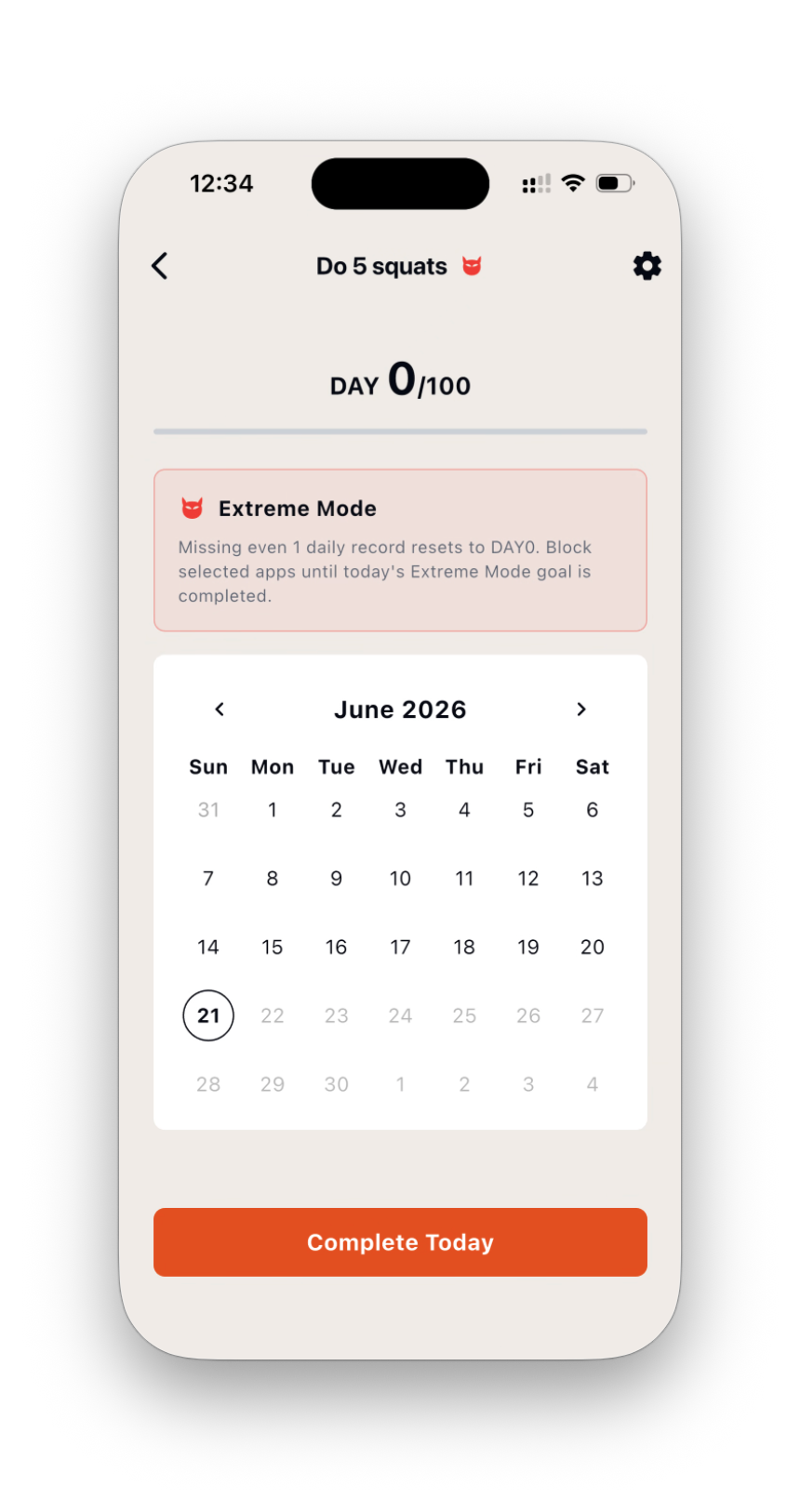
Choose reset rules that match the weight of each habit.
NORMAL
The basic mode for stacking recorded days. Best when you want to build momentum without pressure.
HARD
Miss two days in a row and reset to DAY0. Built for people who want real tension.
EXTREME
Miss even one day and reset to DAY0 the next day. The strictest mode for creating a reason to act today.
EXTREME MODE
In Extreme Mode, selected apps can be blocked until today’s habit is completed. Limit the apps you open automatically and make finishing today’s habit the first step.
Supports iOS Screen Time / Family Controls
Notification times and messages are optimized for Normal, Hard, and Extreme Mode. Stricter modes push harder.
For records with photos, widgets display DAY over your photo. Check progress without opening the app. Pro unlocks weekly and monthly premium widgets.
Images added to records can be stored in the cloud. Use a transfer code to move habits, notes, and images to a new device.
Review earned DAY artwork in Settings. Collect DAY1 through DAY100, plus special DAY milestones beyond 100 days.
DAY100 Pro
Work toward more goals and enjoy your daily records. Make your habit-building routine your own with DAY100 Pro.
FIND YOUR WAY
Choose a goal or obstacle to see how DAY100 can help you keep going.
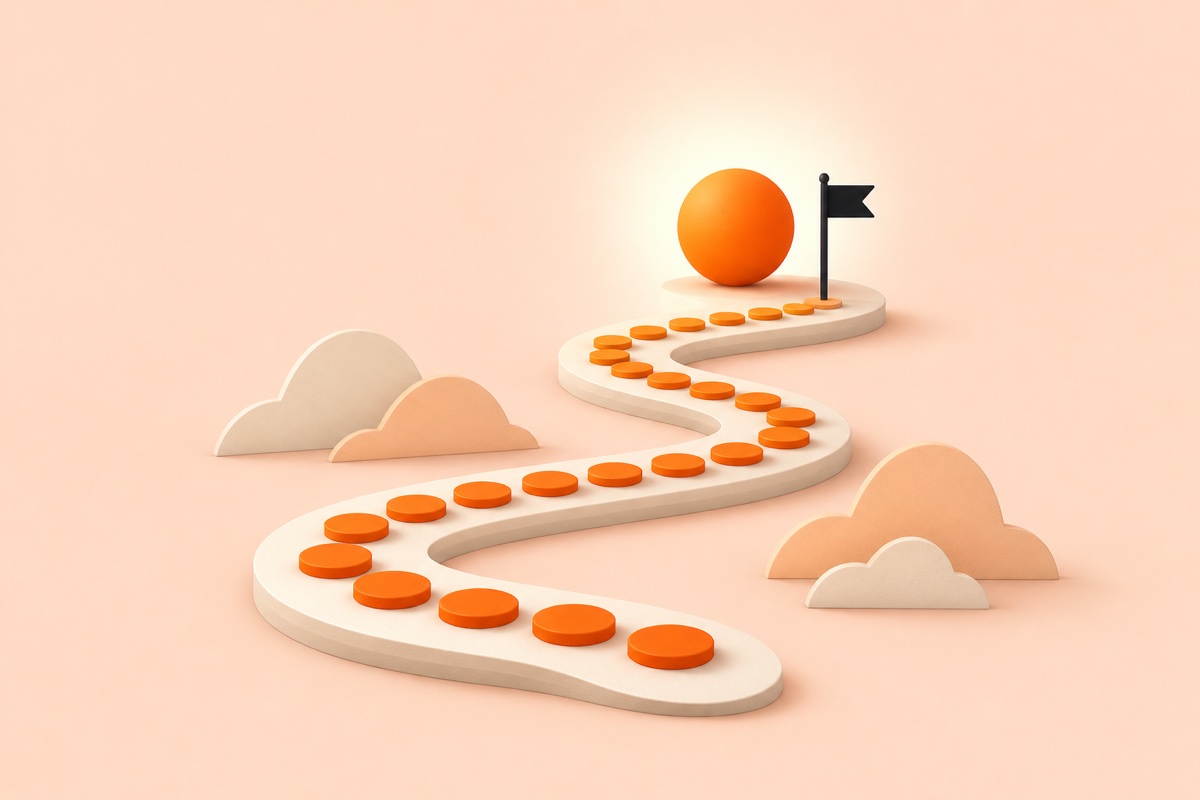
Choose one action and record each daily win. DAY100 is an iPhone app built for turning a 100-day challenge into a lasting habit.

DAY100 is an iPhone habit tracker that brings daily records, review, reminders, and visible progress into one simple 100-day journey.

Habits do not fail only because of weak willpower. Smaller actions, timely cues, and a record that makes restarting easy can keep you moving.

Extreme Mode is DAY100’s strictest option: miss a day and return to DAY0, and optionally block selected apps until today’s habit is recorded.

A DAY100 widget keeps progress in sight so that opening your iPhone for something else can also remind you of today’s habit.

The right goal and record depend on the habit. These examples show how to make study, exercise, reading, and healthy routines easier to continue.
DAY100 is an iPhone habit app for tracking small daily actions for 100 days. You can review progress in a calendar and keep going with notifications, widgets, and app blocking.
Yes. You can download DAY100 for free and use 100-day tracking and the basic features. DAY100 Pro unlocks 4+ habits, multiple Extreme Mode habits, premium widgets, and more.
Normal Mode stacks your recorded days. Hard Mode resets to DAY0 after two missed days in a row. Extreme Mode resets to DAY0 the next day if you miss even one day.
In Extreme Mode, selected apps can be blocked until today’s habit is completed. It supports iOS Screen Time / Family Controls and helps you finish the habit first.
Yes. Recommended notifications and home screen widgets help you keep going for 100 days even when the app is closed. Notifications are tuned to your selected mode.
Yes. You can use a transfer code to move habits, records, notes, and images to your next device. Images added to records can also be stored in the cloud.
Review your days in Calendar and Timeline. View photos in full screen, save them individually, and edit notes after recording.
Yes. From the export menu on the habit detail screen, combine photos into one image or save, share, and print a PDF record book with dates, notes, and photos. Samples in the menu show how exports look.
You need 30 days of records with photos. Adding 30 photos on a single day does not count as 30 days. The export menu shows how many more days you need. You can also choose the DAY display style and video playback speed.
Yes. The free plan includes image and video exports with a watermark and 2 of the 10 original music tracks. DAY100 Pro includes up to 10 photos per day, watermark-free exports with a choice of aspect ratio, and all 10 music tracks.
DAY100 automatically checks the status of your previous Pro purchase. Use a transfer code to move habits, records, notes, and images.
Yes. After DAY100, progress continues toward the next 100 days. DAY Collection in Settings shows earned artwork from DAY1 through DAY100 and special DAY milestones beyond 100 days.
Your 5 minutes today will change your future.
Download for Free